
Keep Square Appointments.
Answer Every Client First.
SalesPartner answers every lead in seconds, asks your questions and books the time they pick straight into your Square calendar. Text, email, WhatsApp, Messenger, Instagram, Telegram, and web chat get a reply in seconds, day or night. Calls ring your team. A missed call gets a text back within a minute, in business hours. Your Square schedule stays in charge of which times are open.
SalesPartner
Books into your Square calendar
- Website Forms, Texts and Web Chat
- 24/7
- Booked into Your Square Calendar
- In the Chat
- Per Company, per Month. Not per User
- $297
- Website Forms, Texts and Web Chat
- 24/7
- Booked into Your Square Calendar
- In the Chat
- Per Company, per Month. Not per User
- $297
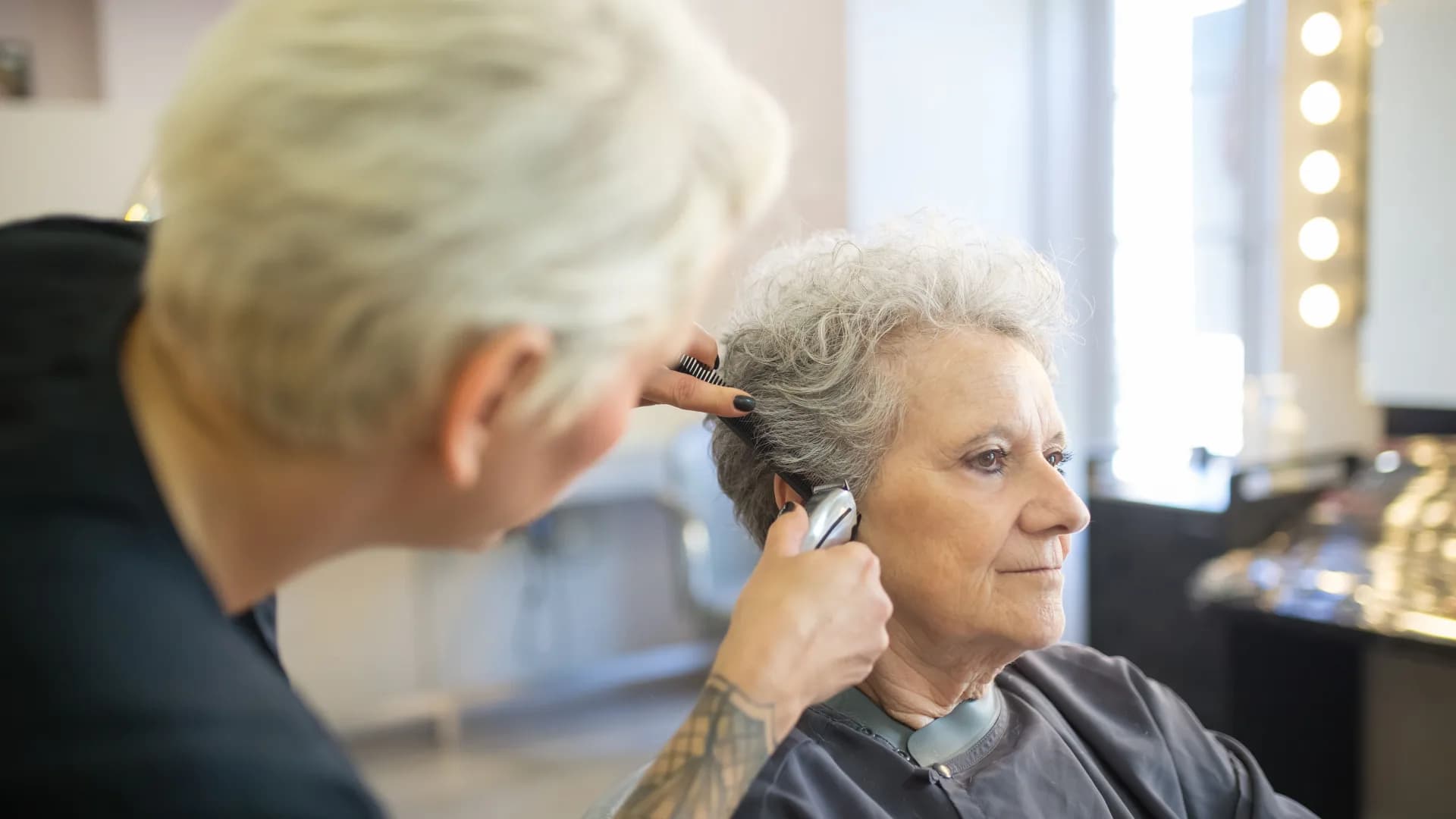
You take care of the client in the chair.Your Square calendar fills up.
Every lead gets an answer in seconds and open times from your Square calendar. Nobody waits until your hands are free.
Where a booking page loses clients
Your hands are busy
A message comes in while you are with a client. By the time you finish, the lead booked the salon down the street.
Questions come before the booking
How long does a color take? Who is free on Saturday? A booking page cannot answer, so the lead asks someone else.
Nobody replies after hours
A text comes in at 9pm. You see it the next morning. The lead already booked whoever answered first.
Missed calls never see your booking page
A caller gets voicemail and hangs up. Your Square booking page is ready, but nobody sends it to them.
Your Square Appointments, with a team member who answers first
Square keeps your schedule, your services and your team. SalesPartner does the part a booking page cannot: it answers, asks, and gets the client to pick a time.
Every lead answered in seconds
Text, email, WhatsApp, Messenger, Instagram, Telegram, and web chat and your website form. Each lead gets a reply in seconds, 24/7, even while you are with a client.
Your real Square times
The times offered in the chat come from your Square calendar. Square decides which times are open.
Booked with the right service
A cut, a color or a facial. You match each kind of appointment to a Square service, and SalesPartner books it.
Your questions asked first
What service, which day, anything to know before the visit. SalesPartner asks your questions before it offers a time.
The team member they want
A client asks for Maria. SalesPartner books Maria. You choose the team member for each booking.
Changes made in Square show up
You move or cancel a booking in Square. SalesPartner sees the change.
Moves and cancels in one step
"Something came up." SalesPartner moves the booking to a new time the client picks, or cancels it.
Visits at the client's address
Do you go to your clients? SalesPartner books a visit at their address when your Square settings allow it.
From a question to a booking on your Square calendar
The client asks, picks a time and is booked. All of it happens in the conversation.

The lead writes in
A question at 9pm about a cut and color. A reply comes back in seconds, not after your last client.

Your Square times, in the chat
Two open times straight from your Square calendar. The client picks one and gives a mobile number.

The client sits in your chair
The booking is on your Square calendar with the right service and team member, and you know what they asked.
Square stays in charge. SalesPartner gets the client there.
From first message to a booking on your Square calendar
Connect Square once
The account owner selects Connect Square in SalesPartner, signs in to Square, picks the business and selects Allow. We never see your Square password.
Pick the location, services and team members
Choose the Square location SalesPartner books. Then match each kind of appointment to a Square service and its team members. Our Chicago team sets it up with you.
A lead writes in and gets an answer in seconds
SalesPartner answers, asks your questions and offers open times straight from your Square calendar.
The lead picks a time and is booked
The booking lands on your Square calendar with the service and the team member.
What you need
Square plan
Appointments Plus or Premium, for full control
Square Appointments
Turned on in your Square account
Services
Marked "Bookable by Customers Online" in Square
Team members
Added to each service in Square
Who connects
The account owner, once
Location
You pick the Square location SalesPartner books
Client phone number
SalesPartner asks for it before it books
Setup
Done with our Chicago team in up to 5 business days
Questions Square Appointments users ask
Put your pipeline on Autopilot
Talk with our team. See how SalesPartner handles your leads.
Book Intro Call